Newsletter
5 min read · Issue 03 · July 2026 · Mary Fedirko, Leebry
Quick thought experiment.
Open the AI tool you use the most and ask what it knows about you. Not what you've told it this session, but what it has on file.
You'll get one of two answers. Either nothing, in which case your assistant is meeting you for the first time every morning, or a tidy little dossier sitting somewhere you'd forgotten about, written about a version of you that may or may not still be accurate.
Neither one is great, but this is the part of personalization nobody really talks about.
To be useful, an AI tool has to learn something about you. But to learn something, it has to store something. The industry's current sprint toward proactive, persistent, "knows what you need before you ask" assistants means a lot of stored somethings are quietly stacking up in places most people, including the IT teams responsible for them, have never looked.
In this issue of Work in Progress, we asked Mary Fedirko, one of our engineers, to walk through what happened when she actually went looking.
Starting with the moment her AI assistant made an assumption about her that turned out to be right, in a way that made her wonder how it got there.
by Mary Fedirko, Senior Software Engineer (Front-End) @ Leebry
A couple of weeks ago, I asked my personal Claude to challenge an idea for a side project and sketch the architecture. It opened with "since you are a NestJS developer..."
I was surprised, because it's true, but I have never told it that.
So I asked where it got the idea. Claude said it was because I often ask clarifying questions about the technology. Fair enough. Though if I have to keep clarifying, doesn't that suggest I do not actually know it yet? "Haha, that's fair!" Claude replied.
That was the moment I went looking for the rest of the file.
Claude stores insights about users in personal notes, if you have the setting enabled. You can read them, you cannot edit them, and you can only delete the whole note and start over.
So I read mine, and it was, to put it mildly, confusing. A detailed dossier, from medical information to my city of residence with a hint of district, down to my children's school subjects. The completeness of it was something the secret services would have envied a few decades ago, sitting in a neatly structured record tied to my account.
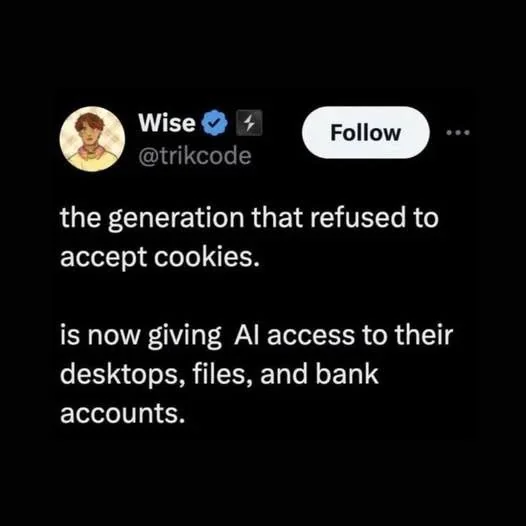
As a web developer, I am wary of keeping that kind of data in one place. But everything has its price. If you want a smart assistant, be prepared to give it personal information.
And okay, this is Claude. My notes are stored in one company that trains the models and has the resources to protect them. But what about applications that build agents on top of someone else's model? My data lives there too, and do they guarantee its security, or my anonymity? Security should be the foundation these assistants are built around, not a feature added later.
If I take the risk of trusting an assistant with my data, I want to see the assumptions it has made about me, and I want to edit them, not just delete the whole thing. Even if someone tries to impersonate me, I want to know my personal data is mine to control.
This stops being a personal preference the moment you are responsible for the rest of the company's files. The questions I had as an individual (what is stored, where, who can see it, how do I correct it) are the same ones a security review should ask.
On Leebry, this is the thread we have been pulling on directly. Memory, control, and transparency about what the assistant thinks it knows are not features we treat as nice-to-haves. They are the foundation the rest of the product sits on. If you cannot trust the assistant with the assumptions it makes about you, the assistant is not really yours.
Mary Fedirko
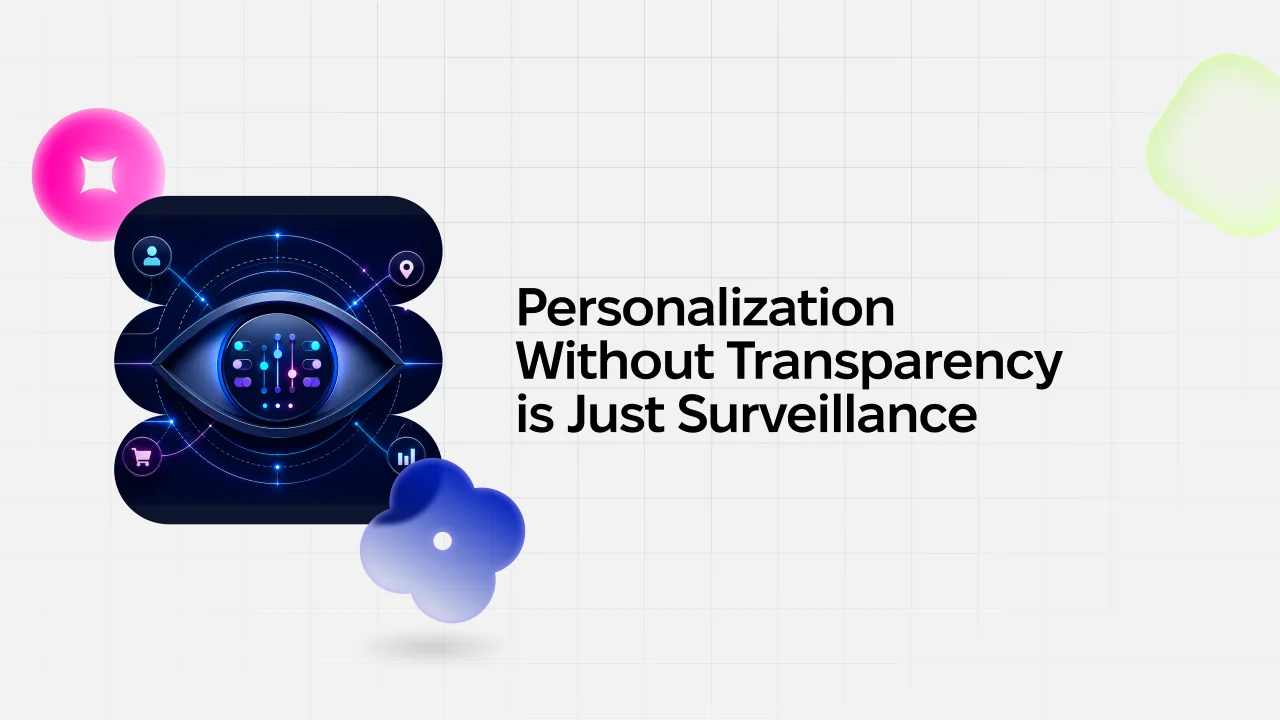
Personalization without transparency eventually becomes surveillance. That is the line I keep coming back to.
In May, OpenAI released GPT-5.5 Instant alongside a new feature called memory sources. When a response is personalized, you can now see which past chats or saved memories the model drew from, and delete or correct outdated entries from the same view.
This is the right direction, but it's also the direction with an asterisk on it. The release notes are honest that memory sources may not show every factor that shaped an answer, and that the view will surface some past chats instead of all the past chats actually searched.
Translation: you are seeing the footnotes, not the full file. And in the same release, OpenAI expanded what ChatGPT pulls from in the first place, including past chats, files, and connected inbox or productivity tools.
The question to ask of any AI tool right now: what does it show you, and what does it still keep to itself?
If you haven't done this already, just open the memory settings on the AI tool you trust most. Not to audit it. Just to read it.
The point of the exercise is the moment of recognition. Almost everyone who does this for the first time has the same reaction Mariia did: it is more detailed than they expected, and tied to their account in a way they had not really thought about.
That reaction is the most useful data point you will get this week on how much you actually know about what your AI tools are doing.
That's Issue #3.
If you have looked at the memory file on your most-used AI tool and found something weird in there, reply and tell us. We are quietly collecting examples.
The next issue is about what actually makes an AI tool smart, not just personalized. There is a difference, and most products are still pretending there isn't.
See you in two weeks.
— The Leebry Team
Subscribe to get upcoming episodes
A biweekly field report on enterprise AI deployment, written for IT leaders by the people doing the work.
More editions
In One Document Apples are Vegetables. In Another, Fruits.
Issue 02 · 6 min read
Most AI Tools Are Not Actually Smart
Issue 04 · 5 min read